Get the bdf777 App — Cricket, Slots & Live Casino on Your Phone
Free APK for Android. Under 52 MB. Works on Android 6.0 and above. No Google Play needed — just download, allow, and install. Scan the QR code or tap the button below.
- Verified APK
- SSL Encrypted
- Android 6.0+
- bKash & Nagad
- 18+ Only
Scan to download
bdf777.apk (52 MB)
Before You Install — Read This First
The bdf777 app is not on Google Play. That is normal for gaming apps in Bangladesh. Here is what you need to know before tapping "Install."
The APK is scanned and safe
Every bdf777 APK release goes through automated malware scanning before it is published. The file you download from /download/bdf777.apk is the only official source. Do not download from Telegram groups, YouTube links, or third-party APK sites — those files may be modified. If you are unsure, check the file size: the official build is 52 MB.
You must allow "Unknown Sources"
Android blocks APKs that do not come from the Play Store by default. You need to enable Install Unknown Apps for your browser or file manager. The path is: Settings → Apps → [Your Browser] → Install Unknown Apps → Allow. You can turn this off again after installation. The app itself does not change this setting permanently.
Permissions the app requests
The bdf777 app asks for Internet access (required to load games), Storage (to save your session and cache game assets), and Notifications (optional — for deposit confirmations and match alerts). It does not request access to your contacts, camera, microphone, or location. You can deny notifications without affecting gameplay.
How updates work
The app checks for updates automatically when you open it. If a new version is available, you will see a prompt with a one-tap download link. You do not need to uninstall the old version first — the update installs over the existing app and keeps your account and settings. The current version is 3.1.13, released on 3 November 2026.
Install the bdf777 APK on Android — Step by Step
Takes about three minutes on a standard mobile connection. Follow these steps in order.
-
1
Allow your browser to install unknown apps
Open your phone's Settings, go to Apps, find the browser you use (Chrome, Firefox, or Samsung Internet), tap Install Unknown Apps, then flip the toggle to Allow. This one-time step tells Android it is safe to install files from outside Google Play. You can reverse it after the bdf777 app is installed.
-
2
Download bdf777.apk from this page
Tap the Download APK — Free button on this page or scan the QR code with your camera app. Your browser will begin downloading bdf777.apk (52 MB). On a typical Grameenphone or Banglalink connection this takes under 90 seconds. Wait for the download notification to appear in your status bar before moving on.
-
3
Open the downloaded file
Pull down your notification shade and tap bdf777.apk — tap to install, or open your phone's Files app, navigate to the Downloads folder, and tap the file there. Android will show you a permissions summary screen. Review it and tap Install. The installation itself takes about 10–15 seconds.
-
4
Open the app and log in
Once installation is complete, tap Open in the confirmation dialog — or find the bdf777 icon on your home screen. If you already have an account, tap Log In and enter your credentials. New players can tap Register to create an account directly inside the app. Your first deposit qualifies for the 225% welcome bonus.
-
5
Deposit with bKash or Nagad and start playing
Tap Deposit in the app menu. Select bKash, Nagad, Rocket, Upay, or Bank Transfer. The minimum is ৳100. Funds arrive in your account within 2 minutes on average. Once your balance shows, pick any game from the lobby and start. Withdrawals (minimum ৳600) process in about 36 minutes.
iPhone / iPad Users
iOS does not support APK files. The easiest option is to add bdf777 to your home screen as a web app — it loads the same interface as the app, without any installation.
- Open Safari and go to bdf777.ws
- Tap the Share icon (box with an arrow at the bottom of Safari)
- Scroll down and tap Add to Home Screen
- Name it bdf777 and tap Add
- Tap the icon on your home screen to open — it launches full-screen with no browser bar
All games, deposits, and withdrawals work the same way on iOS via the browser. Log in or register from your iPhone — no APK needed.
Everything Inside the bdf777 App
The app is a full casino and sportsbook — not a stripped-down mobile version. Here is what you get.

Slots & Jackpots
Play titles from FA Chai, JILI, JDB, Sexy Gaming, and Playtech. The lobby holds over 3,700 games. Jackpot Bingo (96.2% RTP) and Ganesh Fortune (97.6% RTP) are the most-played slots on the platform. Bets start from ৳1 so you can try any game without committing a large amount.
Live Casino Tables
Real dealers, real cards, streamed in HD. Single Deck Blackjack by Sexy Gaming runs around the clock with a 95.6% RTP. Teen Patti 20-20 from JDB is popular on match nights. The app streams without buffering on a standard 4G connection — most sessions use under 80 MB per hour.
Cricket & Sports Betting
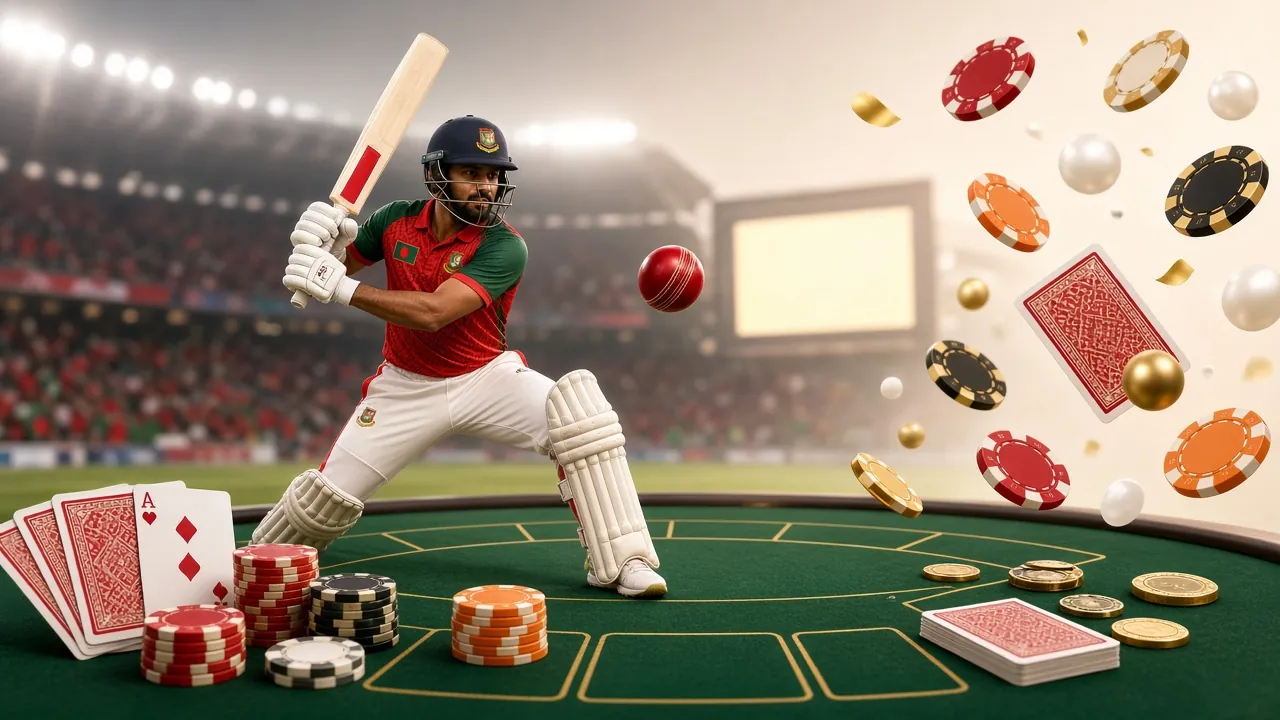
Bet on Bangladesh Premier League, IPL, T20 World Cup, and ODI series directly from the app. Markets include match winner, top batsman, and over/under totals. Live in-play betting updates in real time. Use bKash to deposit before a match and your funds are ready within 2 minutes.
Crash Games
Crash Goal and Monster Crash from Sexy Gaming and JILI are the standout titles. The mechanic is simple: a multiplier climbs until it crashes — cash out before it does. Minimum bet is ৳10. Monster Crash (96.8% RTP) and Crash Goal (96.0% RTP) run 24 hours a day with no waiting between rounds.
Deposits & Withdrawals
Manage your money entirely inside the app. Add funds with bKash, Nagad, Rocket, Upay, or Bank Transfer — deposits land in under 2 minutes. Request a withdrawal (minimum ৳600, maximum ৳85,000 per day) and it processes in about 36 minutes. No need to open a browser. See the full deposit guide for step-by-step instructions.
Bonuses & VIP Inside the App
Claim your 225% first-deposit bonus (up to ৳24,500) without leaving the app. Daily 0.7% cashback and reload bonuses are credited automatically to your wallet. The VIP dashboard shows your monthly turnover progress, current tier, and next milestone. Push notifications alert you when a bonus is ready to claim.
App vs Browser — Which Should You Use?
Both give you the full bdf777 experience. The difference is in speed, convenience, and a few exclusive features.
| Feature | bdf777 App (APK) | Mobile Browser |
|---|---|---|
| Launch speed after first open | ~1.2 seconds | 2–4 seconds (page reload) |
| Works offline (cached assets) | ||
| Push notifications (deposits, bonuses) | Browser alerts only | |
| Full game library access | ||
| bKash / Nagad deposit | ||
| Live cricket betting in-play | ||
| Biometric login (fingerprint) | ||
| Battery & data usage | Optimised (lower) | Higher (re-renders each tab) |
| iOS support | Android only | |
| Storage required | 52 MB installed | No install needed |
Bottom line: If you are on Android and bet regularly on cricket or play slots most evenings, the app is the better experience. If you are on iPhone or just want to try things out first, the browser version at bdf777.ws works perfectly — no installation required.
App Details & Version Info
All numbers below come from the current official build. Do not install a version with a different version number or file size.
| Property | Detail |
|---|---|
| App name | bdf777 |
| File name | bdf777.apk |
| Version | 3.1.13 |
| File size | 52 MB |
| Minimum Android | Android 6.0 (Marshmallow) |
| Last updated | 3 November 2026 |
| Price | Free |
| Languages | English, Bangla |
| Operating system | Android only (iOS: browser) |
| Download source | bdf777.ws (official only) |
Download the App Now
Direct link — no sign-up needed to download. Create your account after installation, or log in if you already have one.
18+ · Play Responsibly. Set a deposit limit before your first session. If gambling stops being enjoyable, contact support at [email protected] or visit Play Responsibly.
Fix Common Installation Problems
Most issues come from one of five causes. Find your error below and follow the fix.
| Problem | Likely Cause | How to Fix It |
|---|---|---|
| "Install blocked" or "Not allowed" | Unknown Sources is still disabled for your browser or file manager | Go to Settings → Apps → [Your Browser] → Install Unknown Apps → Allow. Then tap the APK file again. If you downloaded via Chrome, the setting is under Chrome, not under a general toggle. |
| "App not installed" after tapping Install | An older bdf777 APK is already on your phone and conflicting, or the download was cut short | First, uninstall any existing bdf777 version: Settings → Apps → bdf777 → Uninstall. Then re-download the APK. If the file size in your Downloads folder is not 52 MB, the download was interrupted — delete it and download again on a stable connection. |
| App crashes immediately on launch | Android version is below 6.0, or device RAM is under 1 GB | Check your Android version at Settings → About Phone → Android Version. The app requires Android 6.0 or above. If your device runs an older version, use the mobile browser at bdf777.ws instead — it works on Android 5.0 and above. |
| Games load slowly or freeze | Weak internet connection or too many background apps consuming RAM | Switch from WiFi to 4G or vice versa. Close background apps (swipe them away in your recents screen). Clear the bdf777 app cache: Settings → Apps → bdf777 → Storage → Clear Cache. This does not log you out or delete your account data. |
| QR code does not open the download | Camera app is not scanning QR codes, or the link redirected to a browser that blocked the download | Use your phone's native camera app (not a third-party scanner). If your browser shows a "dangerous file" warning, tap Download Anyway — this is a standard browser alert for APK files, not an indicator of malware. Alternatively, tap the Download button on this page directly instead of using the QR code. |
Still stuck? Contact the bdf777 support team via 24/7 Live Chat inside the app or website, or email [email protected]. Include your Android version and the exact error message for the fastest response.
Download the bdf777 App — Free APK, Ready in Minutes
Version 3.1.13 · 52 MB · Android 6.0+ · No Google Play needed. Install takes under two minutes. Use bKash or Nagad to deposit right inside the app.
-
Instant deposits via bKash & Nagad Funds arrive in under 2 minutes. Minimum deposit ৳100.
-
Over 3,700 games in one place Slots, live tables, crash games and cricket betting — all in the app.
-
Scanned APK, official source only Download from
/download/bdf777.apk. File size is exactly 52 MB. -
Live match alerts & withdrawal updates Get notified the moment a T20 line opens or your withdrawal clears.
Scan to download
bdf777.apk (52 MB)
Questions About the bdf777 App
Answers to the questions we hear most often from players in Bangladesh.
Is the bdf777 APK safe to install on my phone?
Yes. The APK hosted at /download/bdf777.apk on this site is the only official build. It is scanned before each release. The app requests only Internet, Storage, and optional Notifications — no access to contacts, camera, microphone, or location. If you are downloading from a source other than bdf777.ws, do not install it. Unofficial copies may contain modified code. Confirm the file size is 52 MB before tapping Install.
Why is the bdf777 app not on Google Play?
Google Play's global policy restricts real-money gambling apps in most countries, including Bangladesh. This is why bdf777, like most online gaming platforms serving the BD market, distributes directly as an APK. The app itself is not illegal to install on your personal device — Google's policy is a commercial distribution rule, not a legal prohibition. The same applies to apps from other operators you may have used before.
How do I update the bdf777 app when a new version comes out?
When you open the app and a new version is available, a banner appears at the top of the screen with a one-tap Update Now button. Tapping it downloads the new APK and installs it over the existing app — your account, balance, and settings are preserved. If you dismissed the prompt, you can manually download the latest APK from this page at any time and install it on top of the current version without uninstalling first. The current version is 3.1.13.
What should I do if the app shows "Parse Error" during installation?
A Parse Error means the APK file is damaged or incomplete. This almost always happens because the download was interrupted mid-way. Open your phone's Downloads folder, delete the existing bdf777.apk file, and download it again on a stable WiFi or 4G connection. Wait until your browser's download notification says "complete" (or shows 52 MB) before attempting to install. If the error persists, try a different browser — Chrome and Samsung Internet both work well with APK downloads.
Can I use the same account on both the app and the browser?
Yes. Your bdf777 account works across all platforms — the Android app, mobile browser, and desktop browser are all connected to the same wallet and game history. You can start a session on your phone, check your balance on a desktop browser, and continue playing on the app without any re-registration. If you register in the browser first, you can log in to the app immediately using the same username and password.
Does the app work on Samsung, Xiaomi, Realme, and other Android brands?
Yes, the bdf777 app works on any Android phone running version 6.0 or above, regardless of brand. This includes Samsung Galaxy, Xiaomi/Redmi, Realme, Oppo, Vivo, Huawei, and Symphony devices. One thing to note: Xiaomi and Huawei phones sometimes have a stricter "Install Unknown Apps" path — on MIUI go to Settings → Privacy → Special App Access → Install Unknown Apps. On Huawei EMUI the setting is under Settings → Security → More Settings → Install Apps from External Sources.
How much mobile data does the app use per hour?
Data usage varies by game type. Slots and crash games use roughly 30–50 MB per hour because they run on compressed asset packs cached after the first load. Live casino games (streamed video) use more — typically 120–180 MB per hour at standard quality. Live sports betting uses about 40–80 MB per hour. If you are on a limited data plan, slots and crash games are the most data-efficient options. The app does not auto-play video ads.
Quick Links
Need help right now?
Live Chat is available 24/7 inside the app and on the website. Or email [email protected] — typical reply time is under 15 minutes.
18+ · Play Responsibly. Gambling carries financial risk. Never deposit more than you can afford to lose. Read our responsible gaming policy.